The typical support team at a fast-growing company spends a disproportionate amount of its day answering the same questions repeatedly. Password resets. Order status. Refund policy. Onboarding steps. These are questions with clear, known answers, and yet they pile up in the queue just the same, each one taking a few minutes away from the more complex issues that actually require a human brain to resolve.
SparrowDesk was built to break this pattern. The platform positions itself as an AI helpdesk that kills wait times by using AI agents to resolve routine queries automatically, while making sure that anything requiring genuine human judgment gets routed to the right person with full context already attached. It is a model that several helpdesk platforms claim to offer, but few execute cleanly across both the AI and human sides of the equation.
After going through the platform hands-on and studying how it performs in a live support environment, here is our full review.
What Is SparrowDesk?
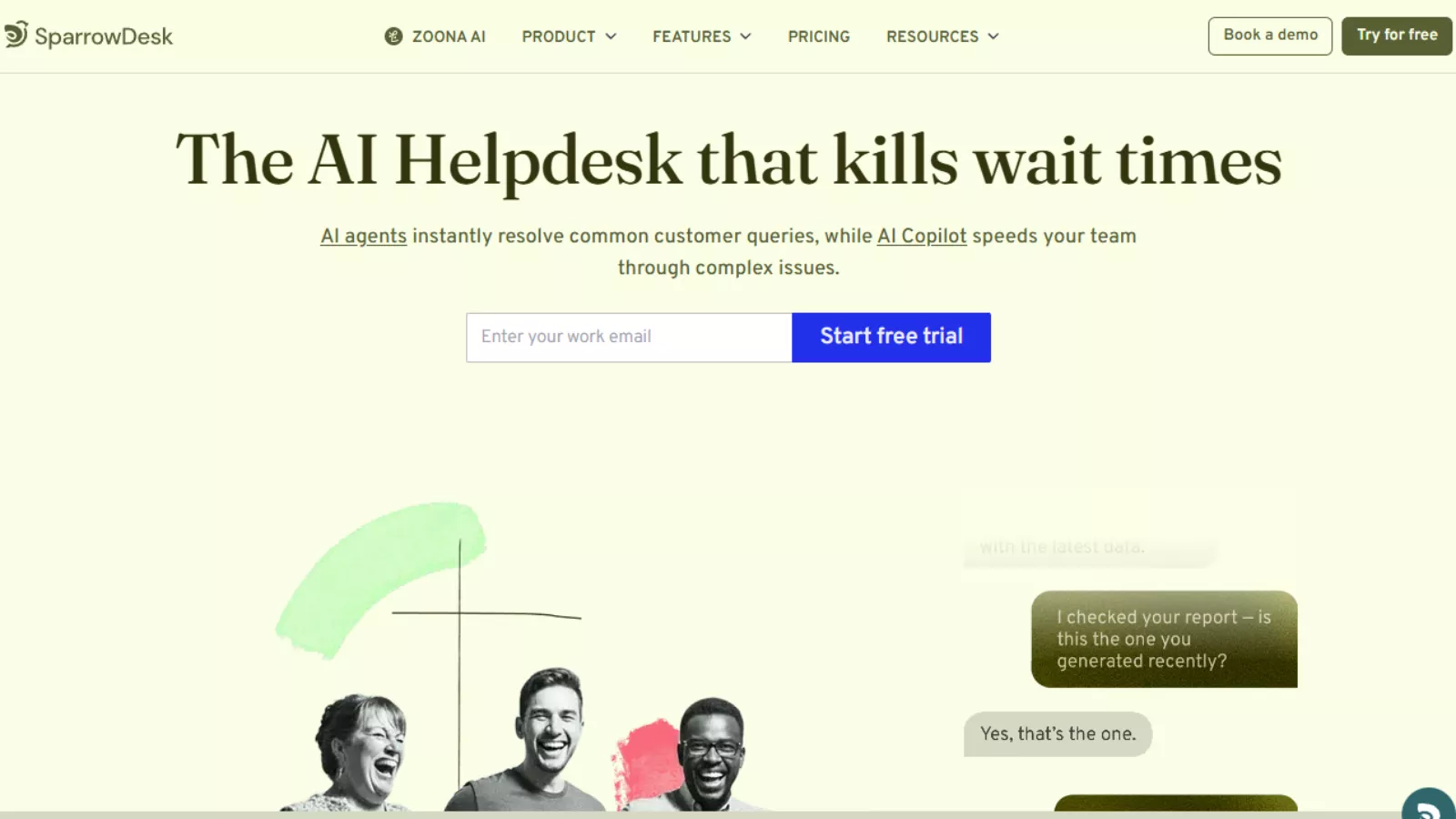 SparrowDesk is a cloud-based AI customer support platform designed for growing businesses and mid-sized teams that need to handle high ticket volumes without proportionally growing their support headcount. The platform is built around two core capabilities: Zoona AI, an autonomous AI agent that handles customer queries end to end, and an AI Copilot that assists human agents in resolving the more complex cases that require a person.
The platform supports omnichannel customer communication, pulling in conversations from live chat, email, and other channels into a single unified inbox. From there, Zoona handles what it can autonomously, and hands off what it cannot, to a human agent with the full conversation history already visible.
SparrowDesk claims to auto-resolve 60% of support tickets without human intervention, deliver a 5x productivity boost for human agents, and enable 24/7 customer support without requiring overnight staffing. These are bold claims. Based on what the platform actually does under the hood, they are credible for businesses that invest properly in training the AI.
Zoona AI: The Engine Behind SparrowDesk
Zoona is SparrowDesk’s AI agent, and it is the most distinctive part of the platform. Unlike a traditional chatbot that follows a rigid decision tree, Zoona is trained on your business’s actual knowledge base and responds with contextual accuracy rather than scripted fallbacks. The difference in caller experience between the two approaches is significant, and it is where SparrowDesk makes its clearest argument for why it deserves consideration over older helpdesk tools.
Training Zoona: No Code Required
Getting Zoona up to speed on your business does not require writing a single line of code. The training process is built entirely around the documentation and knowledge sources you already have. You can upload PDFs, internal guides, product manuals, or policy documents directly into the knowledge section. If your information lives on your website, you can provide URLs and the system scrapes the content automatically to keep it fresh. You can also manually enter Q&A pairs for edge cases or specific scenarios that are not covered in existing documents.
Once the knowledge sources are loaded, Zoona begins training. The process takes anywhere from a few minutes to a short while depending on the volume of content you feed it. After training completes, you can review every page Zoona has learned from and verify accuracy before putting the agent live. A built-in preview tool lets you test the agent in both chat and email modes, asking the kinds of questions your customers typically send, before it ever interacts with a real user.
This preview and verification step is genuinely useful. Seeing a bot correctly answer a question buried in the middle of a ten-page document, before it has spoken to a single customer, gives you the confidence to deploy it without second-guessing yourself at 2am when a support ticket comes in.
The Improve Loop
After Zoona is live, SparrowDesk surfaces a continuous improvement layer called the Improve section. Any time the AI encounters a question it could not confidently answer or handled poorly, that interaction is flagged here as a suggestion to fill a knowledge gap. If the section is empty, the AI has everything it needs. If suggestions are appearing, you know exactly which topics need better documentation in your knowledge base. This feedback loop makes the agent progressively smarter over time rather than requiring a separate periodic audit to identify blind spots.
Commands and Persona Customization
SparrowDesk gives you detailed control over how Zoona behaves across different scenarios through a command system. Commands define the guidelines the AI follows when greeting new visitors, escalating high-priority tickets, closing conversations, or directing users toward specific actions like booking a demo. Typing a forward slash in the command editor brings up ready-made templates covering common support scenarios, which speeds up the configuration process considerably for teams that do not want to write behavioral guidelines from scratch.
On the presentation side, Zoona can be given a name, a profile image, and a brand-aligned personality through the persona settings. The chat widget can be customized with your brand colors, bubble shape, welcome message, after-hours messaging, and position on the page. Once configured and the embed script is added to your site, the agent is live and running under your brand identity rather than as a visible third-party widget.
Key Features Beyond Zoona
Omnichannel Inbox
All customer conversations, whether they originate from live chat on your website or email, flow into a single unified inbox. This removes the context-switching overhead that frustrates support teams managing separate platforms for different channels. Every conversation is visible in one place, with full history, timestamps, and the ability to assign tickets to specific agents or teams.
Human Handoff with Full Context
One of the more practically important features of SparrowDesk is what happens when Zoona reaches the limits of what it can handle. When a conversation becomes too complex for the AI, or when a customer explicitly asks to speak with a real person, the system triggers a handoff to a human agent. Critically, that agent receives the full transcript of everything Zoona has already discussed with the customer. There is no awkward re-explanation required on the customer’s end and no blank slate for the agent to start from. The handoff feels continuous rather than disruptive, which is one of the most common failure points in AI-assisted support systems.
AI Copilot for Human Agents
Beyond Zoona’s autonomous operation, SparrowDesk includes an AI Copilot mode that assists human agents while they work through complex tickets. The Copilot can suggest responses, surface relevant knowledge base articles, and help agents work through queries faster without having to manually search documentation. This is the feature that accounts for the platform’s claimed 5x productivity improvement for agents handling the tickets that reach human review.
Ticket Forms and Customer Portal
SparrowDesk includes structured ticket forms that allow customers to submit specific types of requests with the right information captured upfront, reducing back-and-forth. A self-service customer portal gives users a place to track their open tickets and access public help center articles independently, reducing inbound volume for queries that customers can resolve themselves with the right resources.
Reporting and Analytics
The reporting suite covers conversation analytics, team performance tracking, and SLA compliance monitoring. The AI agent report specifically shows how many tickets Zoona resolved without human intervention, which is the key metric for calculating the platform’s return on investment. Teams can identify peak ticket times, monitor human agent response rates for escalated tickets, and see exactly where their support operation is strong or stretched. This data layer is what separates SparrowDesk from simpler chatbot tools: you can see the actual impact of the AI in measurable terms rather than relying on anecdotal impressions.
SparrowDesk Pricing
SparrowDesk uses a three-tier per-seat pricing model billed annually. All plans are accessible via a 14-day free trial with no credit card required. Here is the full breakdown based on the current pricing page:
| Plan | Price | Key Inclusions | Best For |
| Starter | $16/seat/mo (billed yearly) | Ticket forms, omnichannel inbox, public help center, customer portal | Small teams getting their first structured support system in place |
| Professional Most Popular | $49/seat/mo (billed yearly) | Everything in Starter, plus CSAT surveys, round robin assignment, AI-assisted workflows | Growing teams that need AI automation and intelligent ticket routing |
| Enterprise | $89/seat/mo (billed yearly) | Everything in Professional, plus SSO and identity management, help center customization, multiple brand support | Larger organizations managing multiple products or brands from one support operation |
The platform also offers add-ons including extended AI Agent capabilities (Zoona) and Zoona Co-Pilot, which are available on top of any base plan. This modular approach means businesses can start with the core helpdesk features and layer in the full AI functionality when they are ready, rather than committing to the highest plan from day one.
At $16 per seat per month, the Starter plan is one of the more competitive entry points in the AI helpdesk market. Even the Professional plan at $49 per seat sits at a reasonable price point relative to established competitors when you factor in the AI automation capabilities included. The 14-day free trial removes the upfront commitment risk entirely.
Interface and Ease of Use
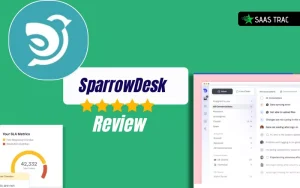
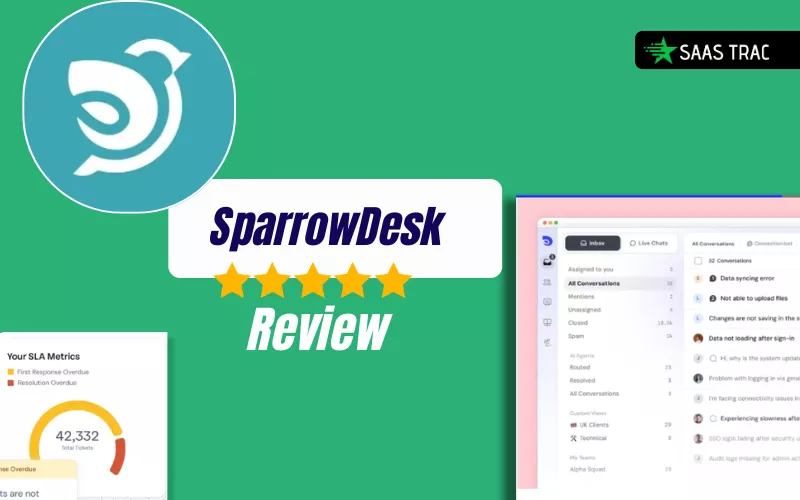
The SparrowDesk interface is notably clean for a platform with this many moving parts. The left-hand navigation keeps the most frequently used areas, inbox, contacts, reports, and knowledge base, immediately accessible without hunting through nested menus. New team members can orient themselves quickly, which matters for support tools where onboarding time costs money in delayed ticket handling.
The AI training workflow is where the interface earns the most credit. Taking a complex task like training an AI agent and making it accessible to non-technical users through a document upload and URL scrape model is a meaningful design achievement. Most support teams do not have a developer available to configure AI systems, and SparrowDesk’s approach respects that reality.
The chat widget configuration is similarly approachable, with visual controls for colors, bubble shape, placement, messaging, and after-hours behavior all accessible without code. Teams with a basic understanding of where to paste a script tag can have the agent live on their site within hours of signing up.
Also Read
Zendesk Review: Is It The Best Helpdesk Solution For Businesses?
Best Customer Support Software || Freshdesk Review 2025
Who Should Use SparrowDesk?
SparrowDesk is built for businesses that are experiencing real ticket volume pressure and need a smarter approach than hiring more support staff. In practice, that means a few specific profiles get the most clear-cut value.
SaaS and tech companies with a growing user base and a small support team will find the AI automation particularly valuable. Repetitive queries about features, billing, and account management are exactly the type of tickets Zoona handles well, freeing human agents for the nuanced product issues that genuinely require experience.
Ecommerce businesses dealing with order status, refund, and shipping queries at scale can use Zoona to absorb the routine volume, which often represents the majority of inbound tickets during peak periods. The 24/7 coverage without staffing costs is especially relevant for businesses with international customers in different time zones.
Mid-sized teams that have outgrown basic helpdesks like Freshdesk’s entry tiers or simple inbox-forwarding setups will find SparrowDesk’s combination of structured workflows, AI assistance, and reporting a meaningful step up without the complexity or cost of enterprise platforms like Zendesk.
It is less suited to very small teams handling low and irregular ticket volumes, where the overhead of training and configuring an AI agent outweighs the time savings. For solo operators or tiny teams with only a handful of daily tickets, simpler shared inbox tools are more practical.
5 SparrowDesk Alternatives Worth Considering
1 Freshdesk
Freshdesk is one of the most established helpdesk platforms in the market, Freshdesk offers a generous free tier, solid ticket management workflows, and an AI assistant called Freddy, making it a practical choice for teams that want a battle-tested support tool with a large community and deep integration library.
2 Intercom
A premium conversational support platform that combines a live chat inbox, AI-powered automation, and customer engagement tools in one system, best suited to SaaS companies that want a polished customer-facing chat experience alongside their support operations and are willing to pay for it.
3 Zendesk
Zendesk is the industry-standard enterprise helpdesk with the deepest feature set, most extensive integrations, and strongest reporting in the market, recommended for large support operations that need the most customizable and scalable platform available, though at a significantly higher price point than SparrowDesk.
4 Help Scout
A clean, email-first shared inbox tool designed to feel as simple as a regular inbox rather than a support ticketing system, making it ideal for small and mid-sized teams that prioritize simplicity and a human tone in customer communication over advanced AI automation.
5 Tidio
A live chat and AI chatbot platform popular with ecommerce businesses, offering a user-friendly interface, Shopify and WooCommerce integrations, and an affordable entry price, making it a strong alternative for online stores that need basic AI chat automation without the full helpdesk infrastructure.
Final Verdict
SparrowDesk is a genuinely strong new entrant in the AI helpdesk space. For a platform that is still building its market reputation, the core product is more complete and polished than you might expect from an early-stage tool. The Zoona AI agent training process is one of the most accessible implementations of no-code AI configuration we have seen in a support product, and the human handoff with full transcript context solves one of the most common and most frustrating failure points in AI-assisted support.
The pricing is competitive across all three tiers. At $16 per seat for the Starter plan and $49 for Professional with AI-assisted workflows included, SparrowDesk is meaningfully more affordable than Intercom and Zendesk for comparable functionality, while offering more AI capability than Freshdesk’s entry tiers provide out of the box.
The key investment this platform requires is not money but time spent on training. The quality of Zoona’s responses is directly proportional to the quality and completeness of the knowledge base you build for it. Teams that take the onboarding seriously and keep their documentation updated will see strong results. Teams that treat AI configuration as an afterthought will get an afterthought experience in return.
If you manage a growing support operation and you are spending more time answering the same questions than solving real problems for your customers, SparrowDesk is worth the 14-day free trial with no credit card required. It is one of the cleaner implementations of AI-first support available right now.
Frequently Asked Questions
What is Zoona AI in SparrowDesk?
Zoona is SparrowDesk’s built-in AI agent that handles customer queries autonomously without requiring human involvement for routine tickets. You train Zoona by uploading company documents, FAQs, help articles, or by providing URLs for the system to scrape. Once trained, Zoona responds to customer chat and email queries in real time, using the knowledge base you built for it. SparrowDesk claims Zoona can auto-resolve up to 60% of tickets without any human intervention, freeing your support team to focus on the complex issues that genuinely need a person’s attention.
How much does SparrowDesk cost?
SparrowDesk offers three pricing plans billed per seat per month on an annual basis. The Starter plan is $16 per seat per month and includes ticket forms, omnichannel inbox, public help center, and customer portal. The Professional plan is $49 per seat per month and adds CSAT surveys, round robin assignment, and AI-assisted workflows. The Enterprise plan is $89 per seat per month and adds SSO, identity management, help center customization, and multiple brand support. All plans come with a 14-day free trial and no credit card is required to get started. AI agent and Zoona Copilot features are also available as add-ons.
Does SparrowDesk support human handoff when the AI cannot answer a question?
Yes, and the handoff experience is one of SparrowDesk’s stronger features. When a conversation exceeds Zoona’s capabilities or a customer explicitly requests a human agent, the system escalates the ticket to a human team member automatically. The human agent receives the full transcript of everything Zoona already discussed with the customer, so there is no need for the customer to repeat themselves. This context-preserved handoff keeps the support experience smooth and ensures that the most difficult cases get the specialized attention they need without the disruption of starting from scratch.
Is SparrowDesk suitable for small businesses?
SparrowDesk can work for small businesses, particularly those experiencing growing ticket volume and wanting to offer 24/7 support without hiring overnight staff. The Starter plan at $16 per seat is accessible for small teams, and the free trial allows businesses to evaluate the platform risk-free. That said, the full value of the AI agent is most apparent when there is sufficient repetitive ticket volume to justify the setup investment. Very small businesses handling only a handful of tickets per week may find simpler tools like Help Scout or Tidio a better fit until their support volume grows to a level where AI automation delivers clear time savings.
Do I need technical knowledge to set up SparrowDesk?
No technical knowledge is required to set up and use SparrowDesk. The AI training process is entirely no-code: you upload documents, add URLs, or manually enter Q&A pairs through a visual interface. The chat widget is configured through a settings panel with options for brand colors, messaging, and behavior. Deploying the widget to your website requires pasting a script snippet into your site’s code, which any web platform or CMS makes straightforward without developer involvement. The entire platform is designed to be managed by non-technical support teams and business owners.